

Own yourmusic.
Take it everywhere.
Rediscover it.
Bring the music you already own. Sync it across your devices, keep it offline, and rediscover it through Wave.
Own yourmusic.
Take it everywhere.
Rediscover it.
Bring the music you already own. Sync it across your devices, keep it offline, and rediscover it through Wave.
Your music belongsto you.
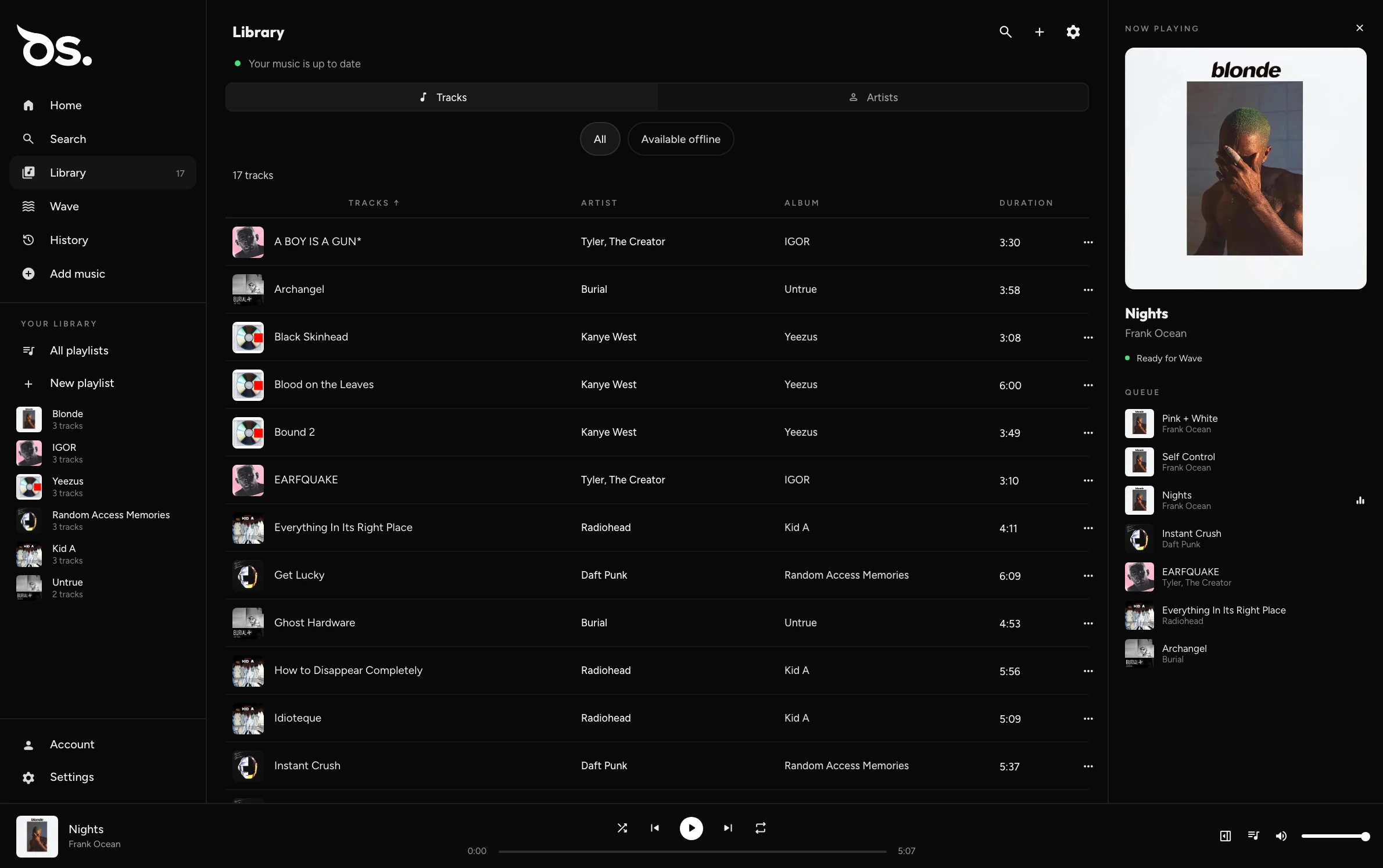
Import the files you already have. OwlSonic plays them locally — no account required. Add one, and the same library follows you.
Take it
everywhere.
One library on your phone and your desktop. Stream it from OwlSonic Cloud, keep it offline, or both.
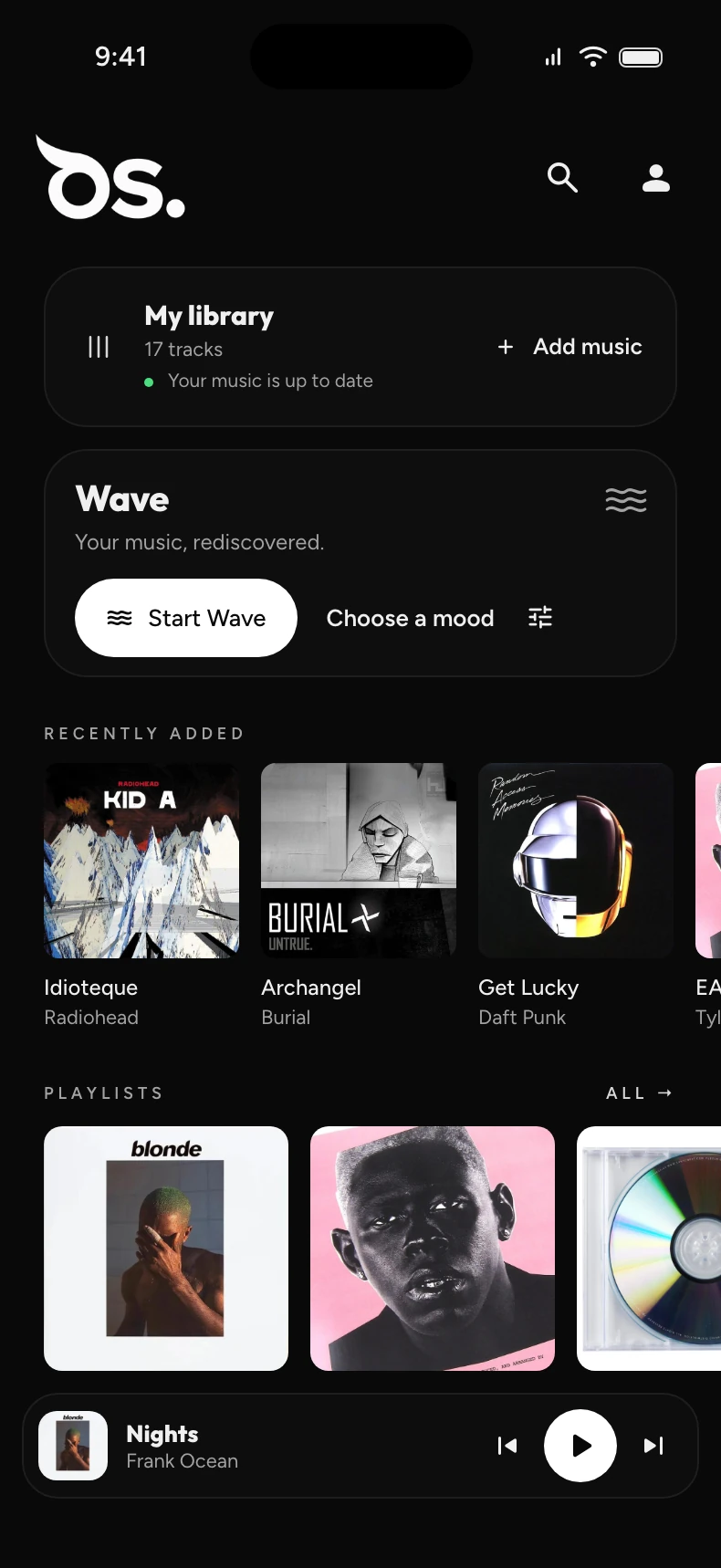
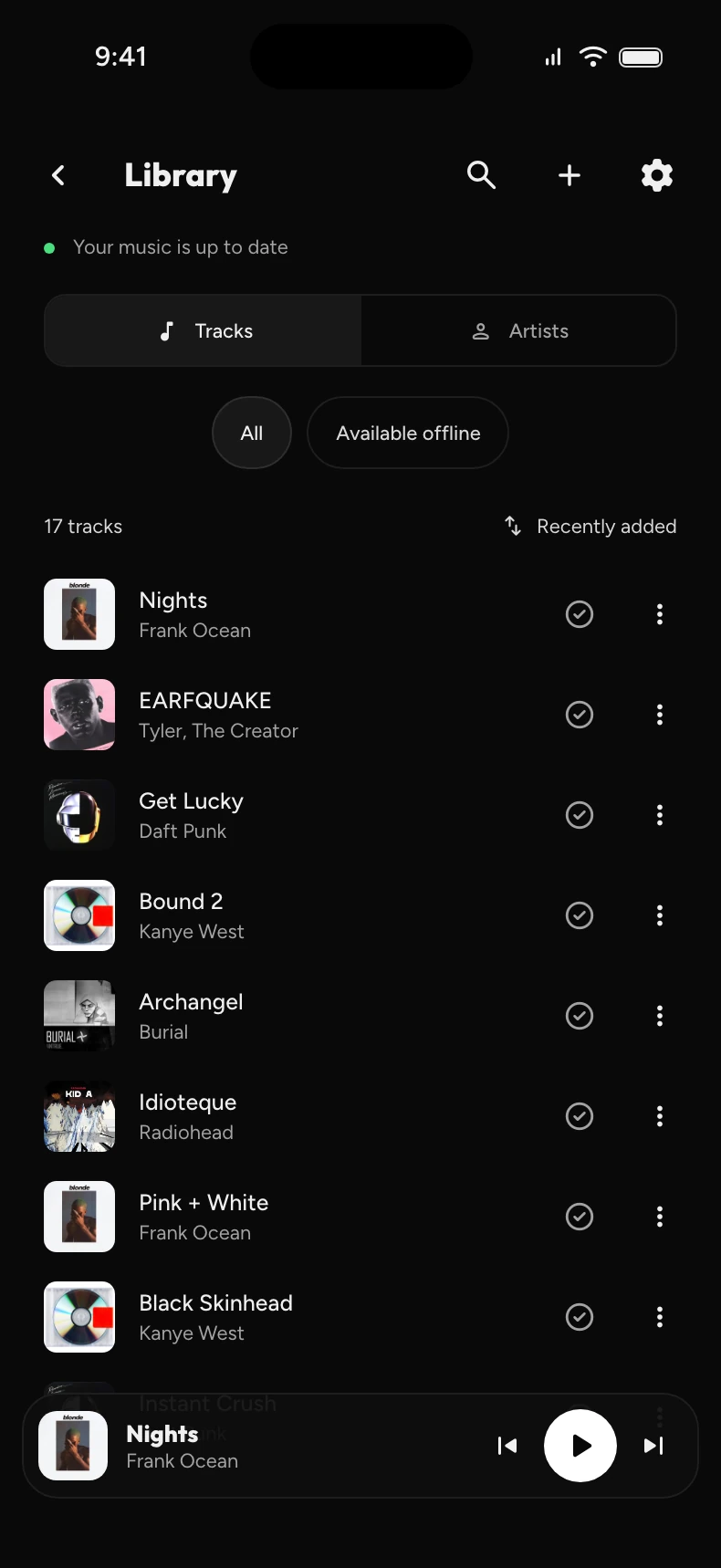
Play your OwlSonic Cloud library on any signed-in device. Played tracks are cached — you choose how much.
Keep your library downloaded and listen with no connection at all.
Library, playlists and history stay the same on every device, in the background.
Wave.
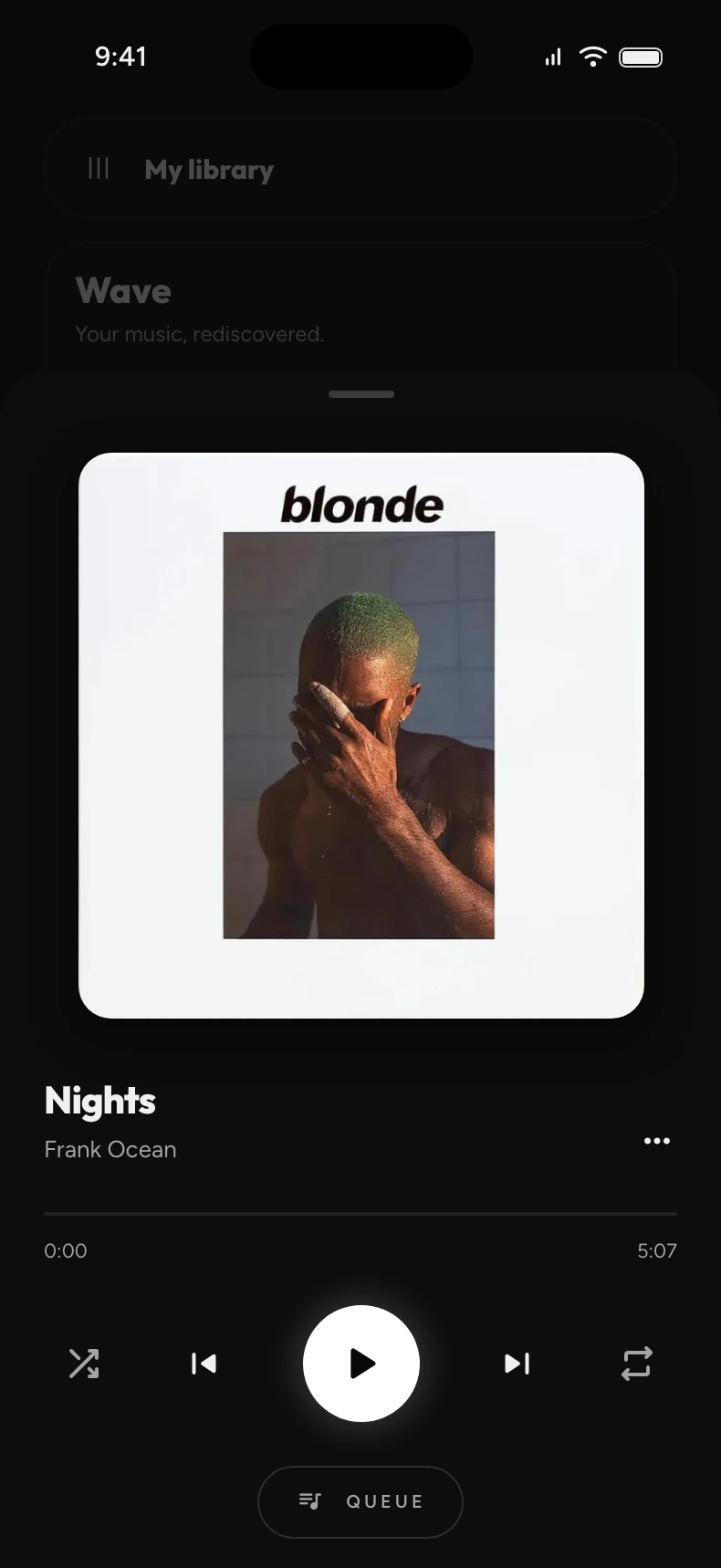
Radio for the music you already own.
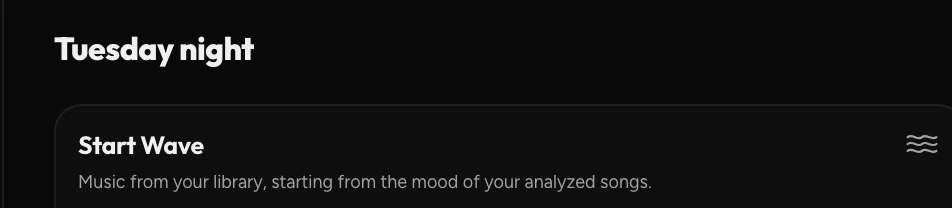
Start from a track, an artist, or a mood.
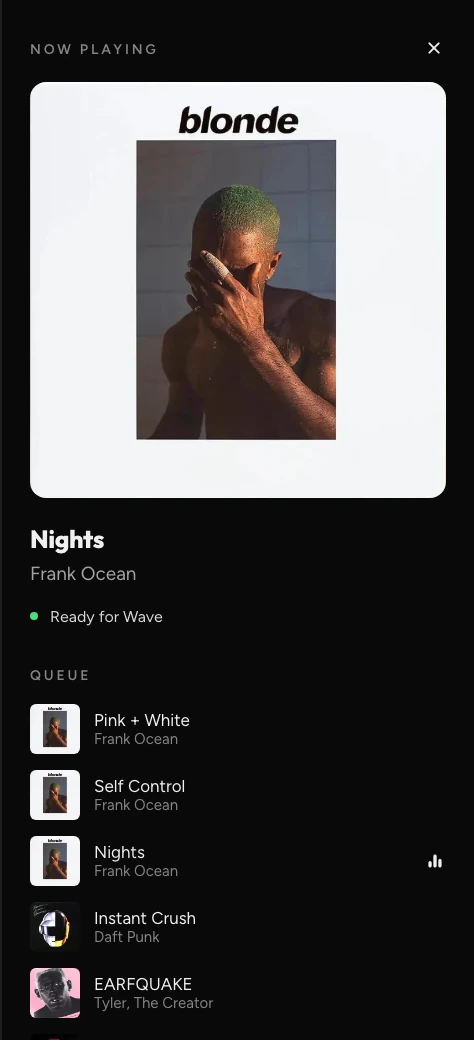
Wave finds what sits close to it — and keeps going.
Stay close to where you started.
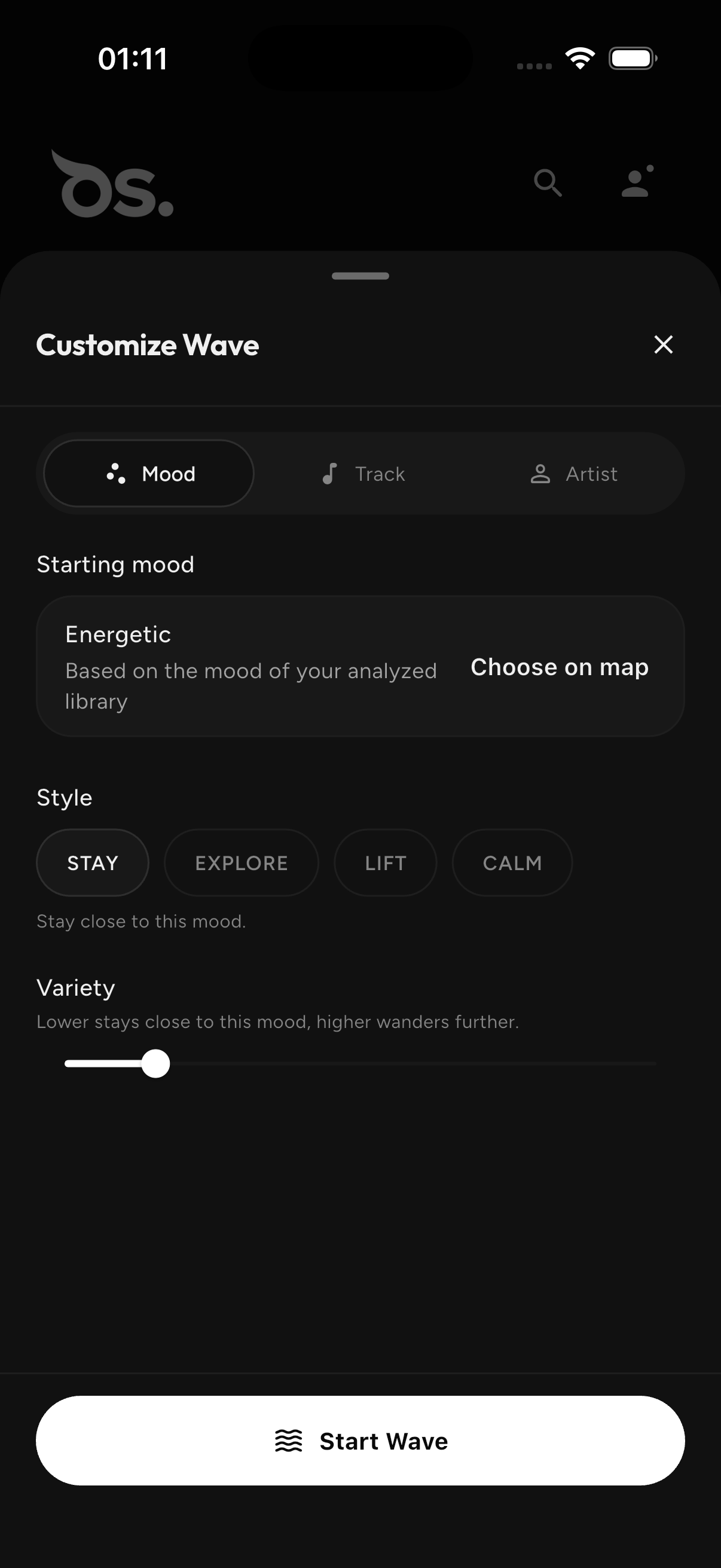
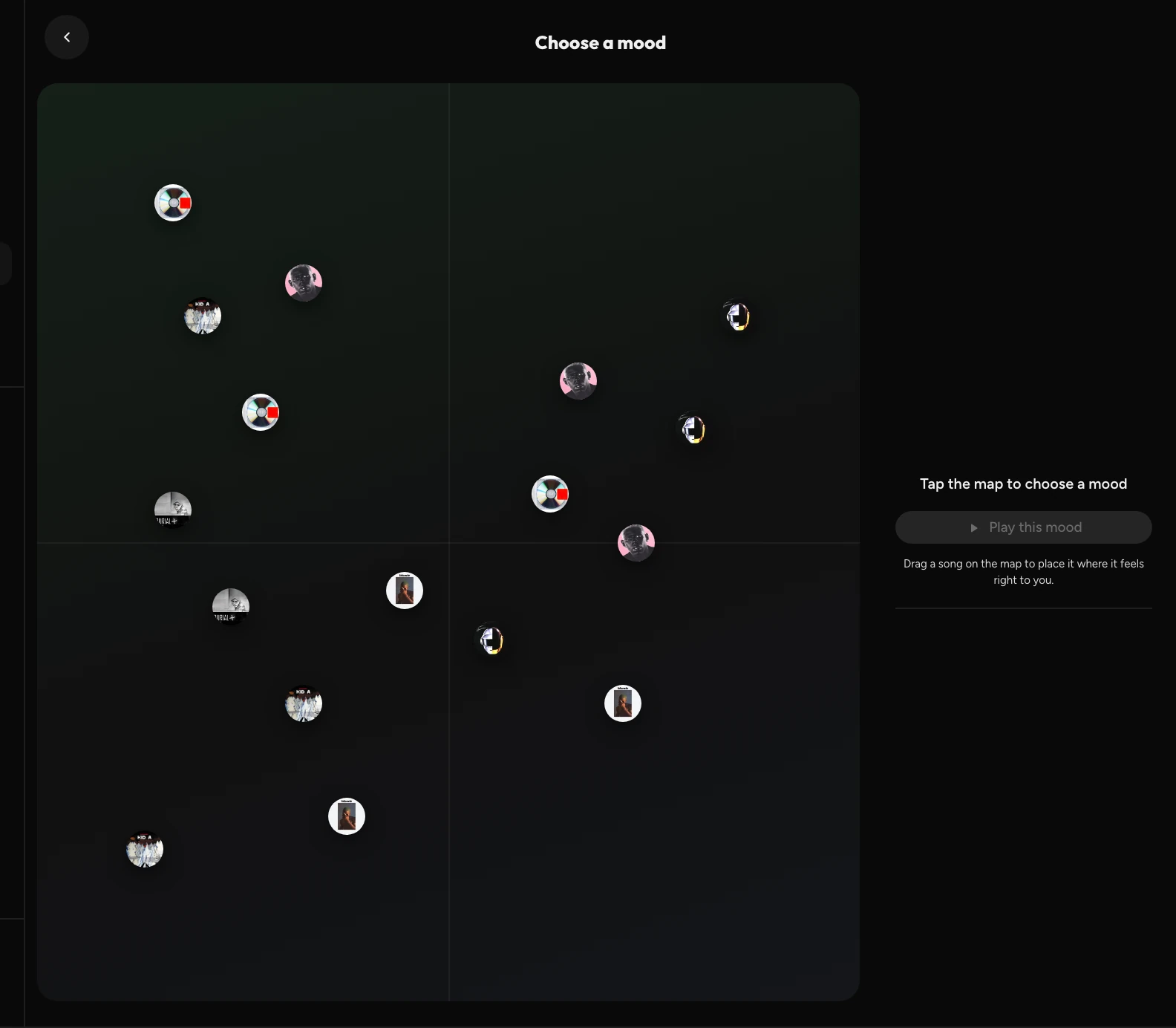
Your library, laid out by feeling.
Mood Map places every track by how it feels — calmer or more energetic, darker or brighter. Tap anywhere and Wave begins there. Disagree with where a song landed? Drag it where it feels right to you.



Real product.
Real library.
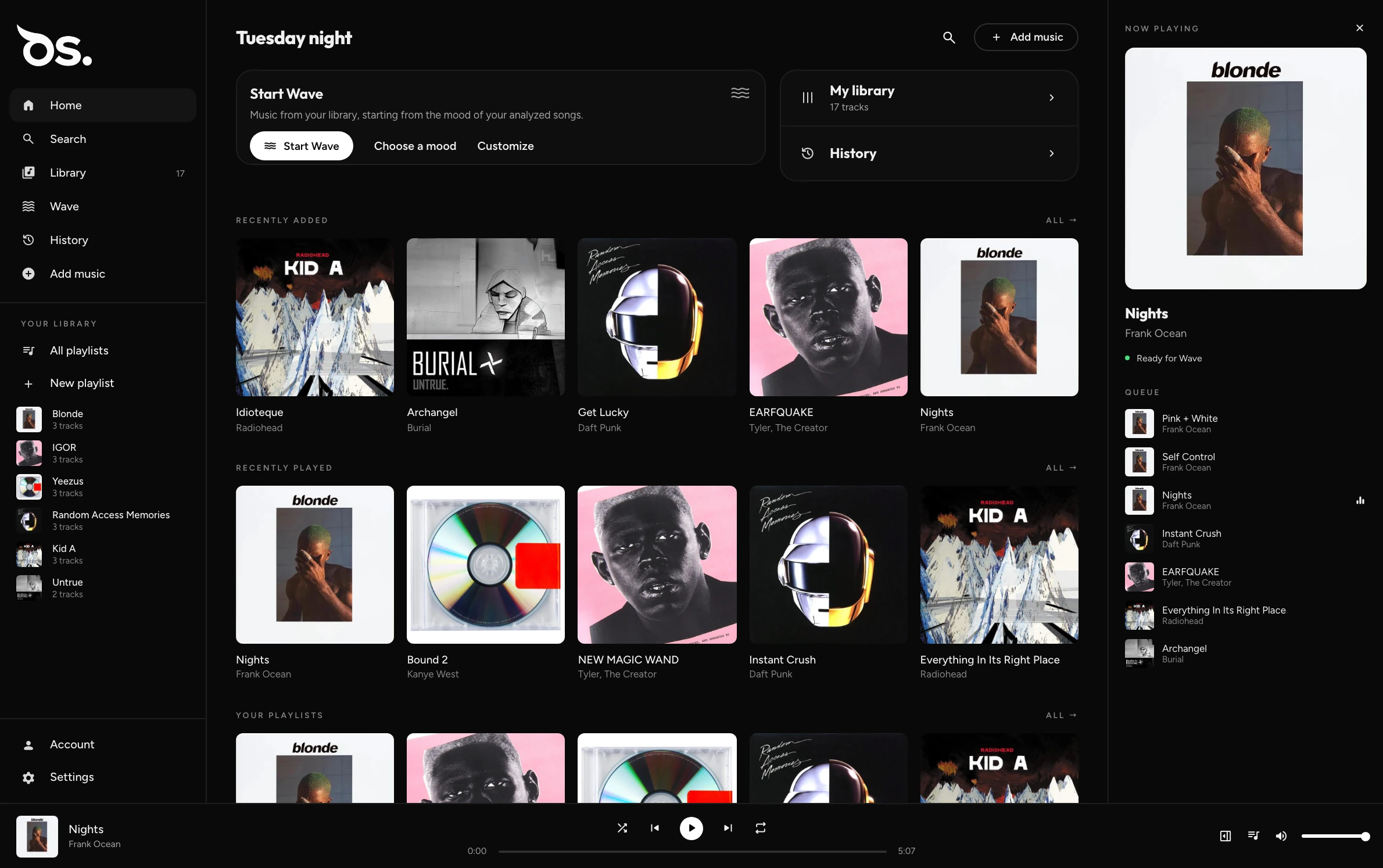
No catalog to scroll past. Just the music you chose to keep.
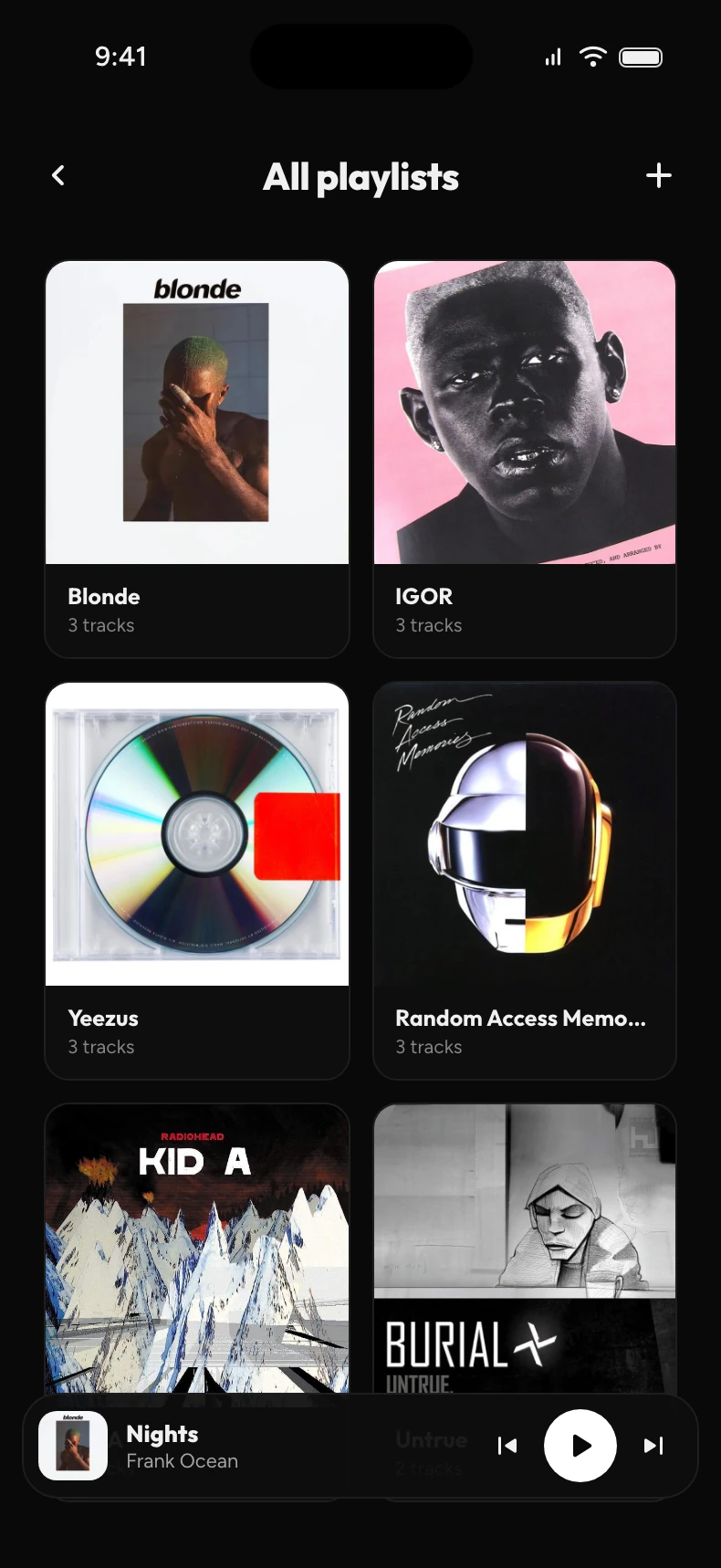
Your files, your library. Import the music you own and play it locally — no sign-in required.
The same library everywhere. Sign in and OwlSonic Cloud keeps every device in sync.
No signal, no problem. Keep your library on the device and listen anywhere.
Listening that keeps going. Start from a track, an artist or a mood, and let your library carry on.
Join the beta.
OwlSonic is being tested now. Leave your email and we'll send an invite when a place opens.
We'll write to when your invite is ready.